
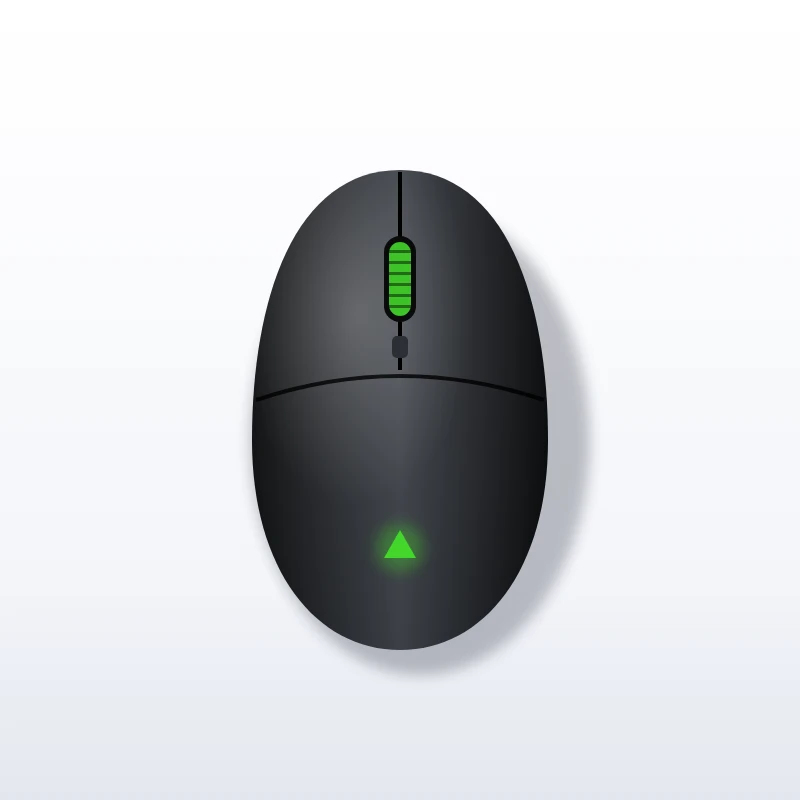
Razer DeathAdder Essential Wired Gaming Mouse
About this product
The Razer DeathAdder Essential Wired Gaming Mouse is the stripped-back, low-cost version of Razer’s best-known ergonomic shape. It suits new PC players, students and anyone who wants a comfortable, no-nonsense mouse from a recognised gaming brand. You do not pay for features you will not use.
How much does the Razer DeathAdder Essential Wired Gaming Mouse cost?
When we last checked in October 2026, the Razer DeathAdder Essential Wired Gaming Mouse was typically selling for about $15 – $25 in the US. That is an approximate range, not a quote: the retailer changes prices often, and colour, size or storage options can move it up or down. Use the Buy Now button to see the exact price today before you decide.
Key features
- 6,400 DPI optical sensor: sensitivity is modest by current standards, but it comfortably covers the settings most players actually use.
- Classic DeathAdder ergonomics: the curved, right-handed body supports the palm and has been refined over many generations.
- Five programmable buttons: left, right, wheel click and two thumb buttons can be reassigned or given macros in Razer’s software.
- Mechanical switches: Razer rates the main buttons for up to 10 million clicks.
- Wired USB connection: there is no battery to charge and no receiver to lose. Plug it in and it works.
- Simple design: the mouse is sold in black and white versions, with understated styling compared with Razer’s flagship models.
What we like
- A proven ergonomic shape that supports the palm.
- Two thumb buttons that can be reassigned or given macros.
- Plug-in simplicity, with no battery or receiver.
- Understated looks that fit a study desk or family computer.
What to consider
- The shape is right-handed, so it is not the right choice for left-handed users.
- The sensor, weight, switches and cable are all a step behind newer DeathAdder models.
- The cable is fixed, so damage to it means replacing the mouse.
- Button programming needs Razer Synapse on Windows.
Who should buy it
Buy the Razer DeathAdder Essential if you want an affordable step up from a basic office mouse, particularly for a first gaming PC or a family computer. The shape works well for palm and relaxed claw grips with medium to large hands.
Left-handed users should look elsewhere. Experienced players may also miss the higher-resolution sensors, lighter weight, faster switches and flexible cables found on newer DeathAdder models. Think of it as a dependable basic tool, not a competitive upgrade.
How it compares
As a budget gaming mouse, the DeathAdder Essential sits just above generic office mice and below the mid-range. An office mouse usually has a simpler shape, fewer buttons and no macro support. Mid-range and flagship gaming mice add higher-resolution sensors, lighter shells, faster switches and more flexible cables, and wireless models remove the cable at a higher cost. As a general rule, sensor figures beyond a few thousand DPI matter less to most players than shape and comfort. On that basis, a simple wired mouse with a well-liked shape is a reasonable place to start.
What to check before you buy
- Model name: the DeathAdder family includes the V2, V3, V3 Pro, V4 Pro and others. The Essential is the entry model, so make sure the listing matches the specification you expect.
- Colour: black and white versions are usually listed separately.
- Software: button programming and sensitivity steps are set in Razer Synapse on Windows. On other systems it behaves as a standard mouse.
- Storage of settings: budget models tend to depend on the software for custom settings, so check if you plan to move the mouse between computers.
- Packaging: some listings are sold in simplified packaging or as part of a bundle.
Frequently asked questions
Is the Razer DeathAdder Essential good for gaming?
Yes, for everyday and casual play. The 6,400 DPI sensor covers the settings most players use. Experienced competitive players may want the faster switches and lighter weight of newer DeathAdder models.
Is the Razer DeathAdder Essential good for small hands?
The shape works best for palm and relaxed claw grips with medium to large hands. Buyers with small hands should check the dimensions on the listing first.
Does the Razer DeathAdder Essential work on a Mac?
It behaves as a standard mouse on systems other than Windows. Button programming and sensitivity steps are set in Razer Synapse on Windows.
Is the Razer DeathAdder Essential Wired Gaming Mouse suitable for left-handed users?
No. The curved body is shaped for the right hand, and the two thumb buttons sit where a right thumb rests.
More in Gaming


