
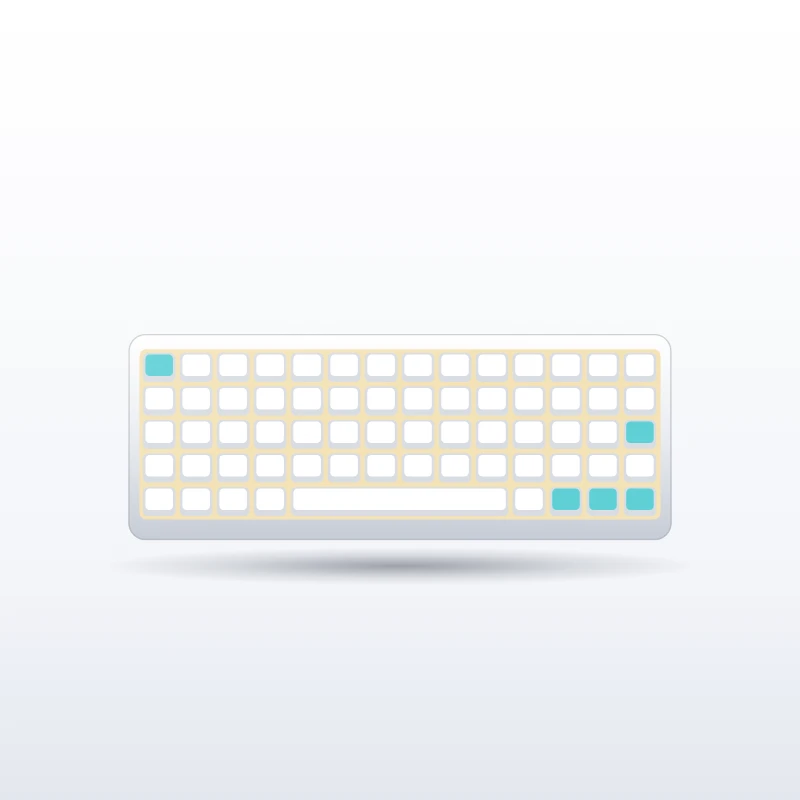
AULA F75 Pro Wireless Mechanical Keyboard
About this product
The AULA F75 Pro Wireless Mechanical Keyboard is a compact 75 percent board that brings enthusiast features such as gasket mounting and hot-swappable switches to an accessible level. It suits people curious about custom keyboards who want a pleasant sound and feel out of the box, without building one themselves.
How much does the AULA F75 Pro Wireless Mechanical Keyboard cost?
When we last checked in October 2026, the AULA F75 Pro Wireless Mechanical Keyboard was typically selling for about $60 – $80 in the US. That is an approximate range, not a quote: the retailer changes prices often, and colour, size or storage options can move it up or down. Use the Buy Now button to see the exact price today before you decide.
Key features
- 75 percent layout with 80 keys: you keep the function row and arrow keys while saving desk space compared with a full-size board.
- Gasket-mounted structure: the plate sits on gaskets with five layers of sound-dampening padding. The result is a softer, quieter typing feel.
- Three connection modes: 2.4 GHz wireless through a receiver, Bluetooth 5.0 and wired USB-C. You pick whichever suits the device in front of you.
- Hot-swappable sockets: both 3-pin and 5-pin mechanical switches fit, so you can change switches without soldering.
- 4000 mAh battery: the rechargeable battery powers wireless use. Runtime depends heavily on backlight brightness.
- Multi-function knob: a rotary knob handles volume and other quick controls.
- RGB lighting and PBT keycaps: per-key RGB with preset effects sits under side-printed PBT keycaps, which resist shine better than cheaper plastics.
What we like
- Gasket mounting and layered dampening for a softer, quieter keypress.
- Hot-swap sockets that accept 3-pin and 5-pin switches, so the feel can be changed later.
- Three connection modes for moving between a desktop, a laptop and a tablet.
- PBT keycaps that resist shine.
- A knob for volume without reaching for function-key shortcuts.
What to consider
- There is no number pad.
- Side-printed legends are harder to read from above if you look at the keys while typing.
- The compact layout squeezes some navigation keys into unfamiliar positions.
- Remapping and macros use AULA’s own driver, which may not support every operating system.
Who should buy it
The AULA F75 Pro is a good choice for typists, programmers and players who want a keyboard that sounds and feels more refined than typical gaming boards. It also suits people who switch between a desktop, a laptop and a tablet.
It is less suitable if you depend on a number pad for data entry. People who look at the keys while typing should also think twice, because the side-printed legends are harder to read from above.
How it compares
Typical gaming keyboards at the entry level mount the plate rigidly to the case and solder the switches in place, which tends to give a harder, louder keypress and no easy way to change switches. Custom keyboard kits offer the most control over sound and feel, but they need to be assembled and usually cost more. The F75 Pro sits between the two as a ready-built wireless mechanical keyboard with gasket mounting and hot-swap sockets. Full-size boards remain the better choice for anyone who needs a number pad, and wired-only boards avoid charging.
What to check before you buy
- Switch type: the keyboard is sold with several different switches, including linear and silent options. The switch changes the feel and sound more than anything else.
- F75 or F75 Pro: AULA and its partners sell closely related F75 models. Compare the listing details carefully.
- Colour theme: many colourways exist, and each can be paired with different switches.
- Software and layout: check that AULA’s driver supports your operating system, and that the key layout and legends match your region.
- Box contents: the receiver, cable, keycap puller and spare switches may vary by listing.
Frequently asked questions
Is the AULA F75 Pro hot-swappable?
Yes. The sockets accept both 3-pin and 5-pin mechanical switches, so you can change switches without soldering.
Does the AULA F75 Pro work with a Mac or tablet?
It connects by 2.4 GHz receiver, Bluetooth 5.0 or USB-C, so it can pair with a range of devices. Key remapping and macros use AULA’s own driver, so check the listing for operating system support.
Is the AULA F75 Pro good for gaming?
It suits players who want a more refined sound and feel than typical gaming boards. As general guidance, a 2.4 GHz receiver or a cable is the better choice for games, and Bluetooth is better kept for typing.
How long does the AULA F75 Pro Wireless Mechanical Keyboard battery last?
It has a 4000 mAh battery, and runtime depends heavily on backlight brightness. Check the listing for quoted figures, and lower or switch off the lighting to extend it.
More in Gaming


